Machine shop planning
Build a schedule your machine shop can run.
Estimate machine load, check job readiness and evaluate how ERP handles changes in a high-mix shop.
- Ready queueMaterial, drawing, tooling
- Work centreSetup plus run time
- Next operationInspection or transfer
Plan in machine hours and release ready work
Check readiness at release
Stage material, a released drawing, fixtures, tooling and gauges before counting a job as ready. Keep blocked work visible with a reason and an owner. The ready queue should distinguish missing inputs from jobs that are simply waiting for a machine.
Load the work centre with setup and run time
For 120 pieces at four minutes each with a 45-minute setup, reserve 8.75 machine hours. Review other commitments on the same machine, available staffed hours, planned maintenance and any inspection that ties up the work centre. Model secondary operations separately.
Replan around one urgent job
During an ERP evaluation, add a priority order while a normal run is underway. Review the new setup assumptions, any partially completed quantities and the due dates displaced. Ask the planner to explain the change using the actual scheduling view.
Machine load calculator
Estimate machine time for a single operation and setup. Use the input quantity planned for this operation.
Explore Envisage ERP
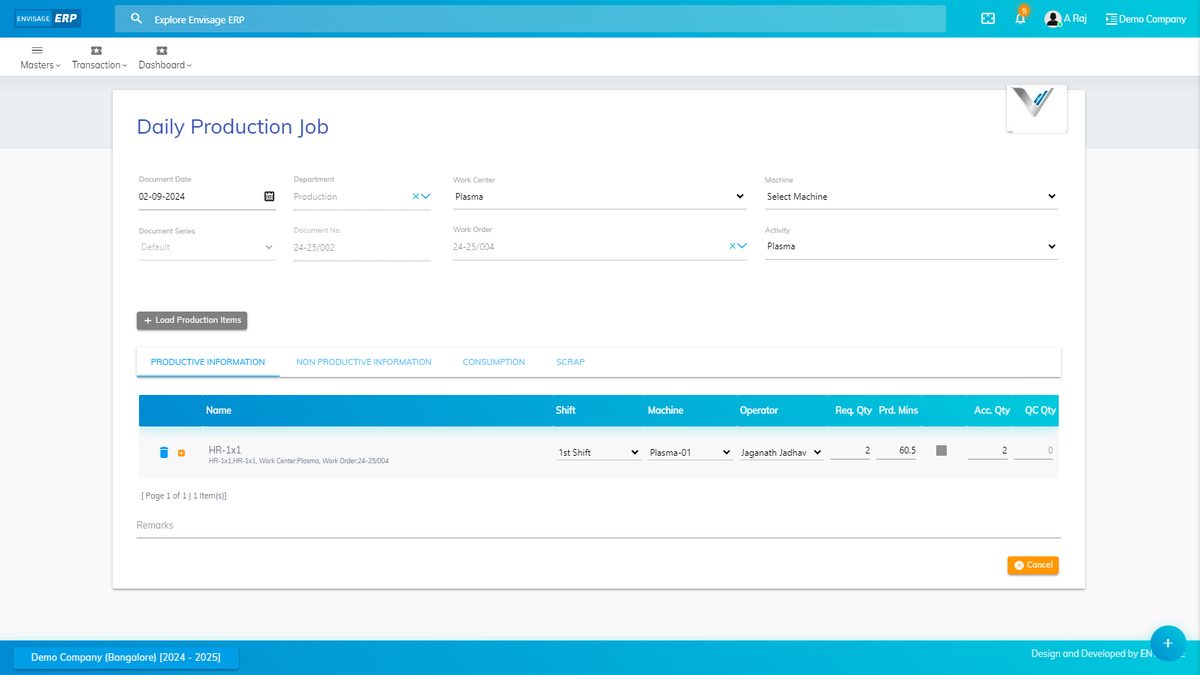
Envisage ERP covers work-centre planning, machine-load analysis, job-wise material planning and stage-wise WIP. Bring a job with alternative machines and ask the team to show what changes when you reschedule it.